1 Sign in with LINE เข้าสู่ระบบด้วย LINE
Starting…
Waiting for the LINE SDK.
Open this page by tapping its LIFF link inside LINE.
2 Check your name ตรวจสอบชื่อของคุณ
Waiting for a server-verified name.
3 Open a deep link เปิดลิงก์ทดสอบ
Not tested.
Open deep-link test / ทดสอบลิงก์Do this before uploading. The page should reopen with DEEP LINK REACHED; confirm your name again.
4 Upload one image อัปโหลดภาพหนึ่งภาพ
Choose a harmless PNG or JPEG, up to 1 MiB. A small screenshot works. The saved file stays private in the test owner's Google Drive.
Not tested.
5 Save one QR image บันทึกรูป QR
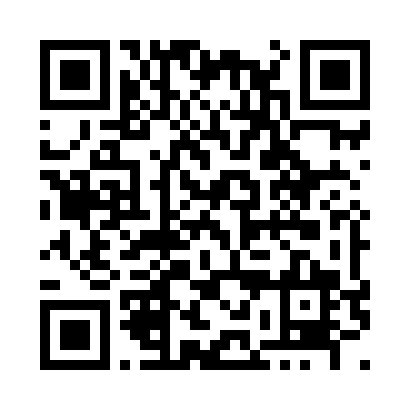 Save QR image / บันทึก QR
Check Photos, Files or Downloads for the saved image. If the button fails, press and hold the QR and choose Save Image or Download Image.
Waiting for your confirmation.
This QR contains only https://example.com/?test=TAC-GATE-02. A screenshot of this page does not count.
Your result ผลการทดสอบ
NOT COMPLETE
This summary excludes your name, user ID, tokens, image and full URL.
Send the iPhone result first. Stop if a check fails; leave later checks as NOT TESTED. Astra will wait for both physical-phone results before the full project.